COTCollector Wealth-Lab Static Data Adapter
The COTCollector Static Data Adapter for Wealth-Lab allows direct access
to Commitments of Traders data stored in COTCollector from within Wealth-Lab.
You can create one or more COTCollector datasources which are automatically updated
when you update COTCollector (or when the scheduled weekly update runs).
 Updated for COTCollector 3.05
Click here for the Wealth-Lab 5.x COTCollector DataSet Provider
Download the COTCollector 3.0 Static Data Adapter
for Wealth-Lab Pro 3.x/4.x (394 KB)
Download the COTCollector Static Data Adapter for Wealth-Lab Developer 3.x/4.x (394 KB)
Note: You must install COTCollector (available from the
Downloads link above) before
using the static data adapters.
Installation
First install COTCollector, then install the appropriate static data adapter for
Wealth-Lab. The installation should automatically detect the location of your
Wealth-Lab folder, but please verify the target folder during the install (like
all static data adapters for Wealth-Lab, the COTCollector static data adapter must
be installed to the same folder as Wealth-Lab).
Usage
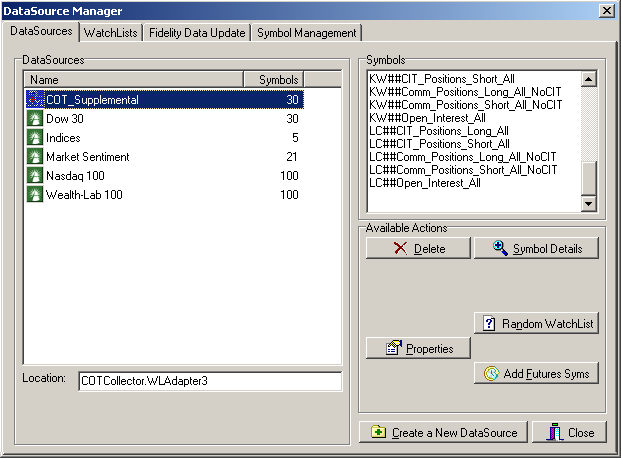
From within Wealth-Lab, click "Data Sources" and then "Create a New Datasource".
Then scroll to the bottom of the list and choose COTCollector WL Adapter.
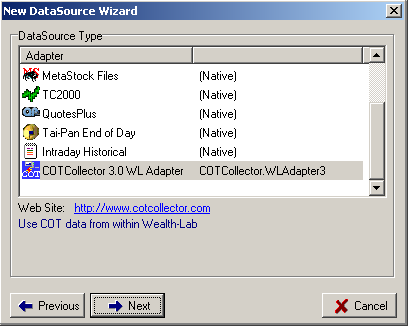
Click Next to continue. This will launch the COTCollector Datasource Selection
Dialog. Select all the symbols you want in the datasource and click Next.
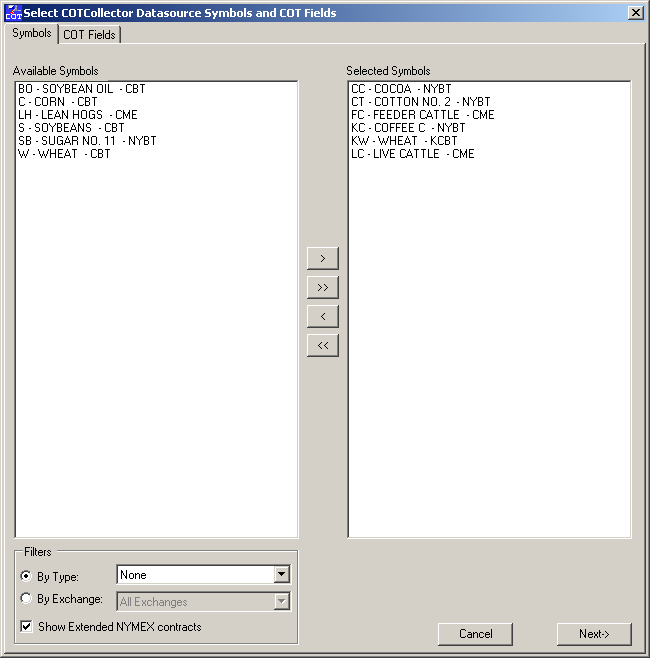
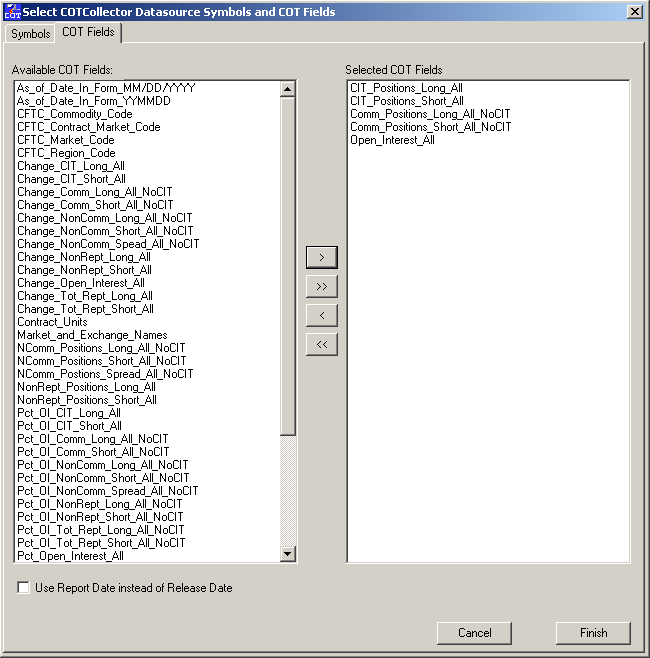
Select the COT Fields you want in your datasource and click Finish to create the
datasource. You can select from pre-defined COT fields or the aliases you've
defined for them. Check "Use Report Date instead of Release Date" to retrieve
data based on the date is was collected, not reported. Generally COT data
is collected on Tuesday and released on Friday so choosing this will make the data
available as of that Tuesday, essentially peeking into the future. However
this can be useful to view the data side by side with prices.
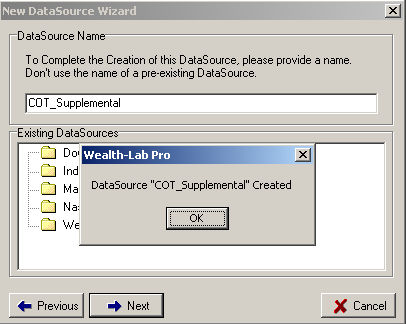
Finally, choose a name for your data source and click Next to create the datasource
in Wealth-Lab.
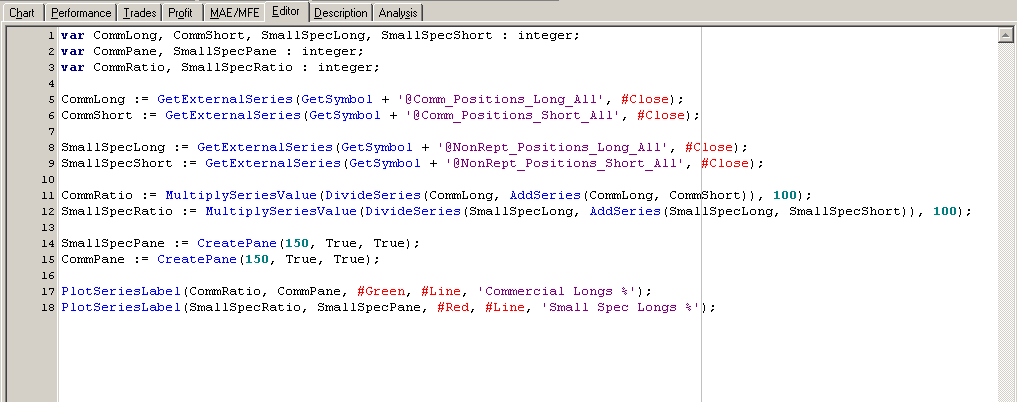
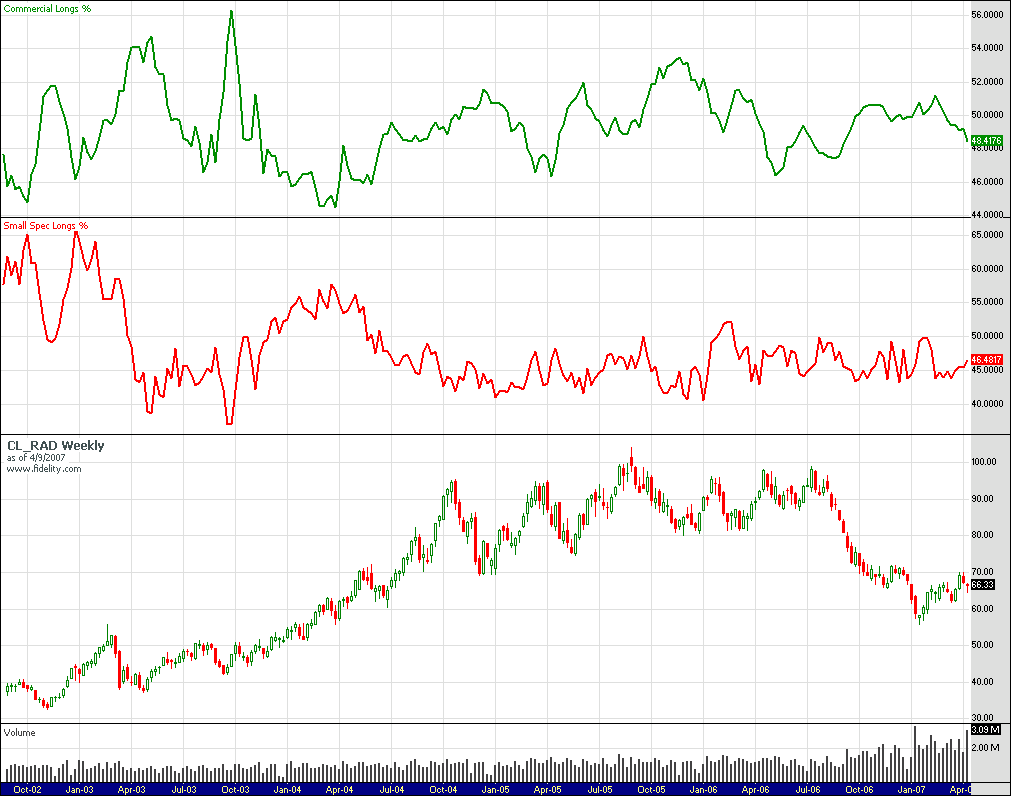
You can then use COT data directly within scripts. Reference each symbol in
the format [Symbol]##[COTField]. For example CL_RAD##Comm_Positions_Long_All
or CL_RAD##CL (if you defined CL as an alias for Comm_Positions_Long_All).