Download the TradingBlox data from tradingblox.com.
Make sure you have the Wealth-Lab Static DataSet Provider installed.
Copy and paste the following text into a text file, and import that text file into COTCollector:
C:C_
EC:CU
RB:HU
S:S_
W:W_
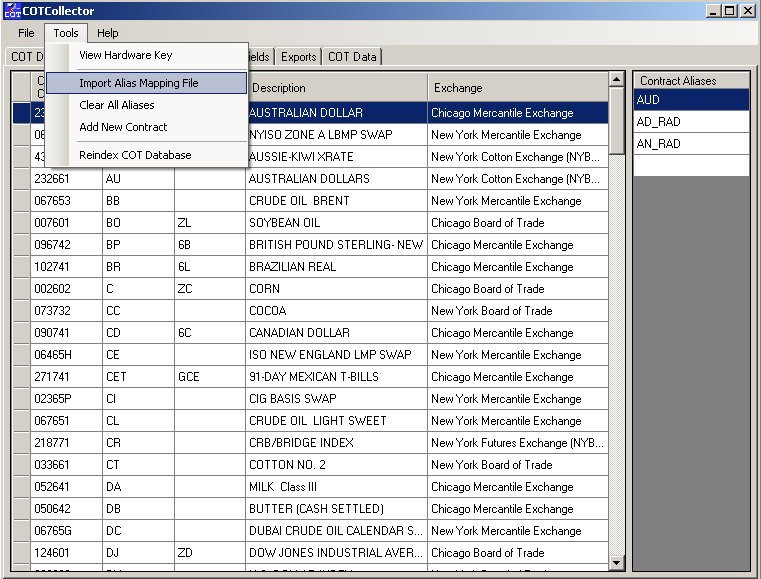
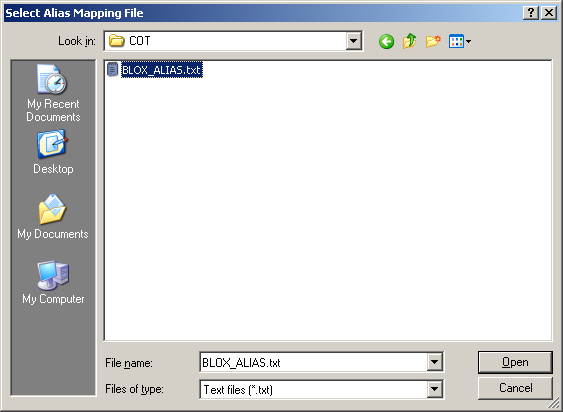
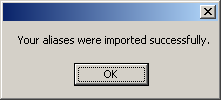
Import the alias file:
Create the COT datasource within Wealth-Lab 5.0:
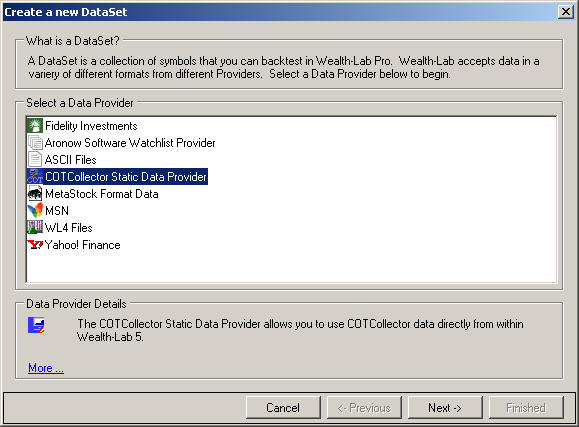
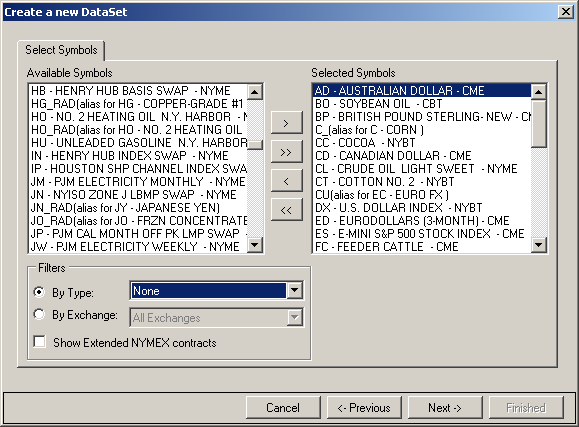
Select the symbols you want to use (and aliases for Corn, Soybeans, Wheat):
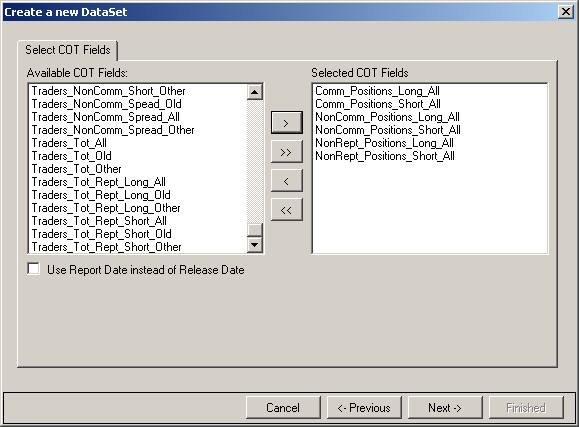
Select the following COT fields (or any others you want to use):
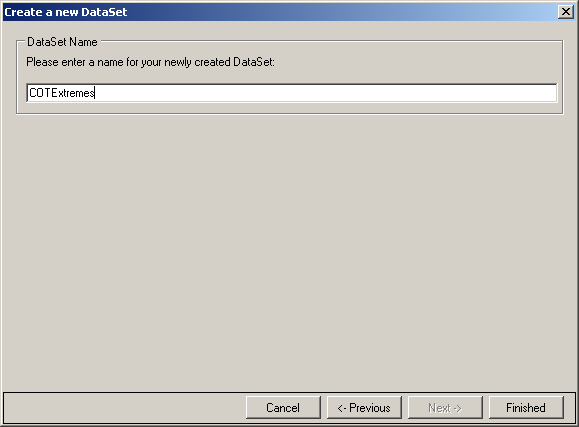
Name the dataset (any name you want) and click OK to create it:
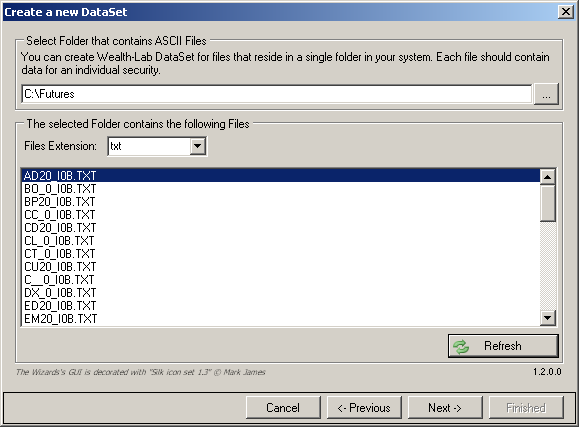
Create an ASCII datasource for the TradingBlox data. Unzip the data to a location you’ll remember (the easiest is
C:\Futures, although any path is fine).Click the “New” button to create a new dataset and choose ASCII as the type. Select the folder where you unzipped the data, and change the File Extension to “txt”. You should then see the list of files:
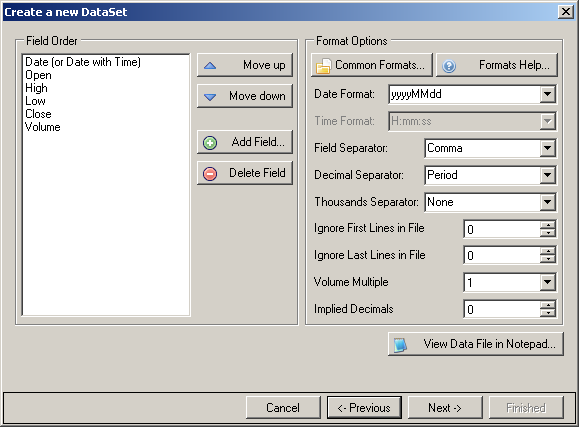
Next, set the format as shown so Wealth-Lab can properly parse the data:
In Wealth-Lab 5.0, choose “Open Strategy” and then click “Import”. Download the script here: COTExtremes.xml
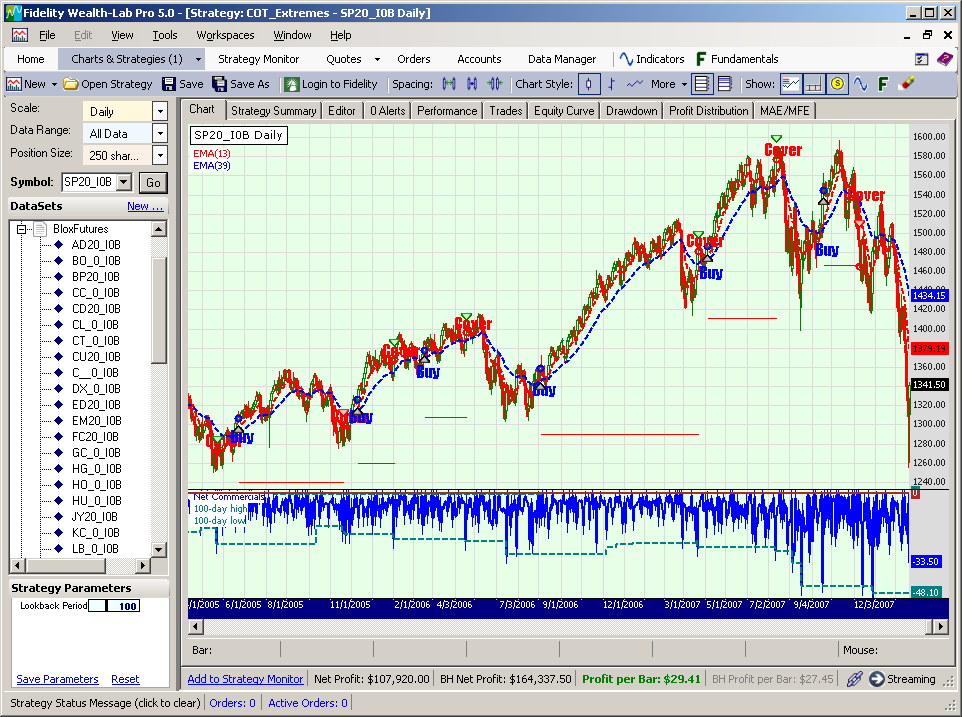
Choose any symbol in the TradingBlox dataset, and view the results: